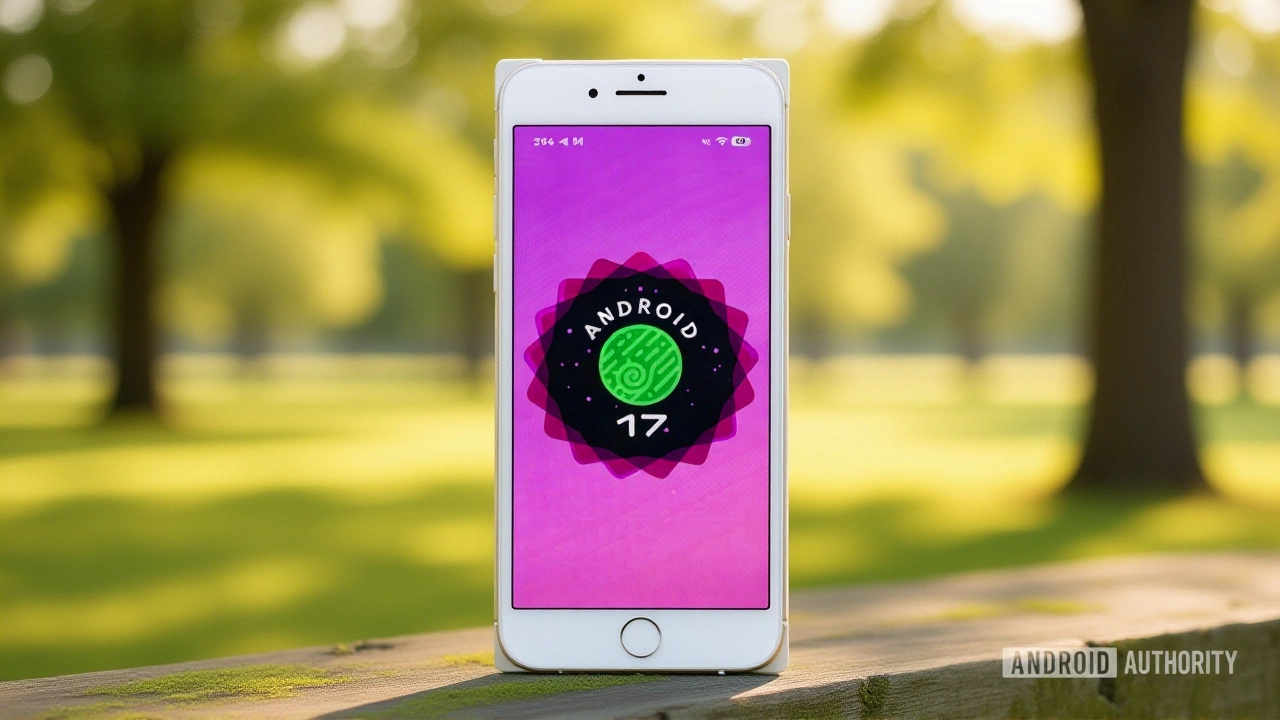
When Sundar Pichai, CEO of Google, finally pulled the trigger on the stable release of Android 17, millions of users holding their breath exhaled. The update is officially live, starting with a massive wave of over-the-air (OTA) updates for Google Pixel smartphones.
The rollout began hitting devices on May 12, 2026, following the formal announcement at The Android Show 2026Mountain View, California. If you’re rocking a Pixel 6 or newer, you likely already see the notification in your settings. For everyone else? Patience. The broader ecosystem will follow, but the floodgates are open.
Who Gets It First?
Here’s the thing about Android updates: they rarely hit all phones simultaneously. Google has prioritized its own hardware, which makes sense given the tight integration. The stable build is currently available for the Pixel 6, 6 Pro, 6a, and every subsequent model up to the Pixel 10 series—including the Pixel 10 Pro Fold and Pixel 10a.
Even tablets aren’t left out. The Pixel Tablet is also receiving the update. However, if you’re waiting for the upcoming Samsung Galaxy Z Fold 8 or the rumored Pixel 11, those devices will ship with Android 17 pre-installed rather than receiving it as an OTA patch. Other manufacturers like Samsung, OnePlus, and Xiaomi will need to adapt the code from the Android Open Source Project (AOSP), meaning their rollouts could take weeks or even months.
The Big Changes: More Than Just a Skin
Let’s cut through the marketing fluff. What actually changes for your daily use? The most visible shift is the interface. Android Central reports that Android 17 introduces a "frosted glass" aesthetic, reminiscent of Apple’s Liquid Glass design language. It’s subtle, but noticeable—translucent menus and blurred backgrounds give the OS a deeper, more layered feel.
But the real power move is multitasking. Enter App Bubbles. This feature lets you run up to five apps simultaneously in floating windows. You can long-press any app icon to launch it in bubble mode. Switching between them is instant—no loading screens, no lag. It’s a game-changer for people who juggle messaging, browsing, and media consumption constantly.
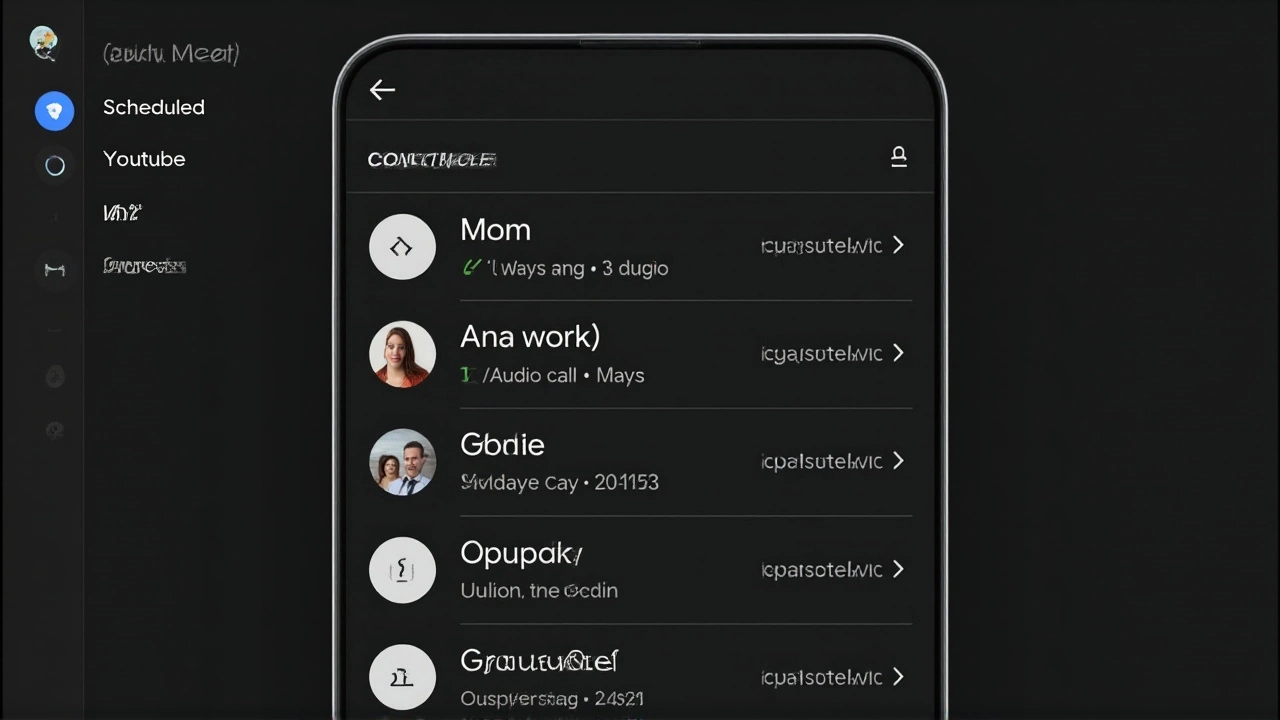
Privacy gets a serious upgrade too. Google has introduced strict one-time location permissions. Apps can no longer stalk your movements indefinitely; they get access only when you explicitly allow it for that session. There’s also a new system-level Contacts Picker. Instead of granting an app blanket access to your entire address book, you select specific contacts during a session. It’s granular, secure, and exactly what privacy advocates have been screaming for.
Creators and Gamers Take Note
If you make content, listen up. Android 17 includes built-in Screen Reactions. Want to record a reaction video without opening TikTok or Instagram first? You can do it natively from the system UI. It captures your screen and your camera feed simultaneously, making the workflow seamless.
Gamers on foldable devices have something to look forward to, though not immediately. Google has enabled a 50/50 gaming layout—game on top, virtual controller on bottom—but it’s not active in today’s stable build. According to Android Authority, this feature will arrive "in the coming months." So, don’t flash your firmware expecting it to work right now.
There’s also a partnership with Meta. Instagram on Android 17 gets major optimizations, including Ultra HDR capture, built-in stabilization, and Night Sight directly in the viewfinder. The goal? To stop photos from losing quality when uploaded. Finally, Android might match iOS in social media image fidelity.
What’s Coming Next?
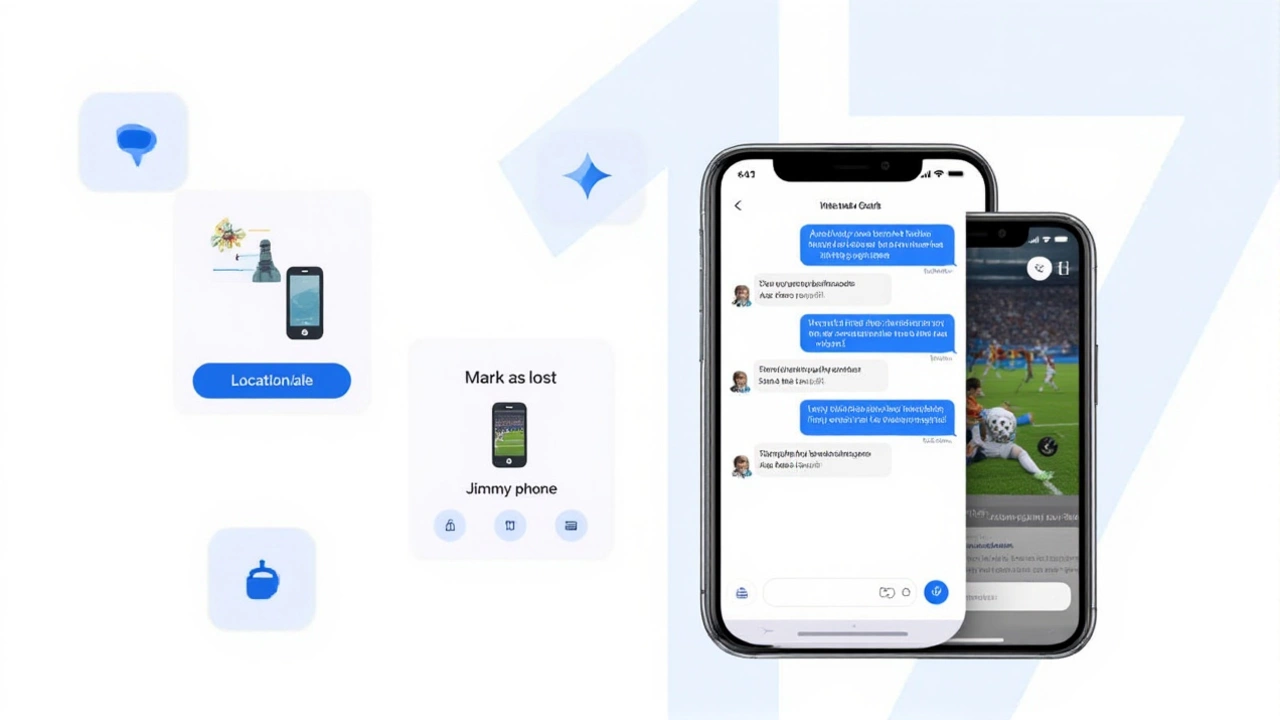
The stable release is just the beginning. Google has hinted at more features arriving via Quarterly Platform Releases (QPRs). A custom color picker for the new frosted glass UI is expected around September 2026. Additionally, the enhanced iOS-to-Android migration tool—which can transfer eSIMs, WhatsApp data, and even folder layouts—is rolling out to Pixel and Samsung phones this summer.
Developers should start testing now. The API surface was locked in Beta 3 back in March 2026, so there won’t be any breaking changes. But with new permissions and UI elements, legacy apps might need tweaking. Google urges developers to use the Android Studio emulator (codenamed "Baklava") to ensure compatibility before their users complain.
Frequently Asked Questions
Is Android 17 available for non-Pixel phones yet?
Not immediately. While the source code is available in AOSP, other manufacturers like Samsung, Motorola, and OnePlus need time to test and customize the update. Expect beta versions for partner devices within weeks, with stable releases potentially taking several months depending on the OEM's schedule.
What is the "Frosted Glass" UI in Android 17?
It’s a new visual design language that uses translucent, blurred surfaces for menus and widgets, similar to Apple’s recent design trends. It adds depth to the interface. Users will eventually be able to customize the color tint of these blur effects via a custom color picker expected in a future QPR update.
How do App Bubbles improve multitasking?
App Bubbles allow you to keep up to five apps running simultaneously in floating windows. Unlike standard split-screen, these bubbles stay active in the background, allowing for instant switching without reload times. You activate them by long-pressing an app icon and selecting the bubble option.
Will my old Pixel phone get Android 17?
Only if it’s a Pixel 6 or newer. The Pixel 5 and older models are no longer supported for major OS upgrades. This includes the Pixel 6, 6 Pro, 6a, and all subsequent generations up to the Pixel 10 series. The Pixel Tablet is also included in the initial rollout.
Are there new privacy features in Android 17?
Yes, significantly. Android 17 introduces strict one-time location permissions, preventing apps from tracking you continuously. It also features a new Contacts Picker that grants temporary, session-based access to specific contacts rather than full address book permissions, enhancing user data security.